
How Labs Conducts Keyboard Testing
How Labs Conducts Keyboard Testing
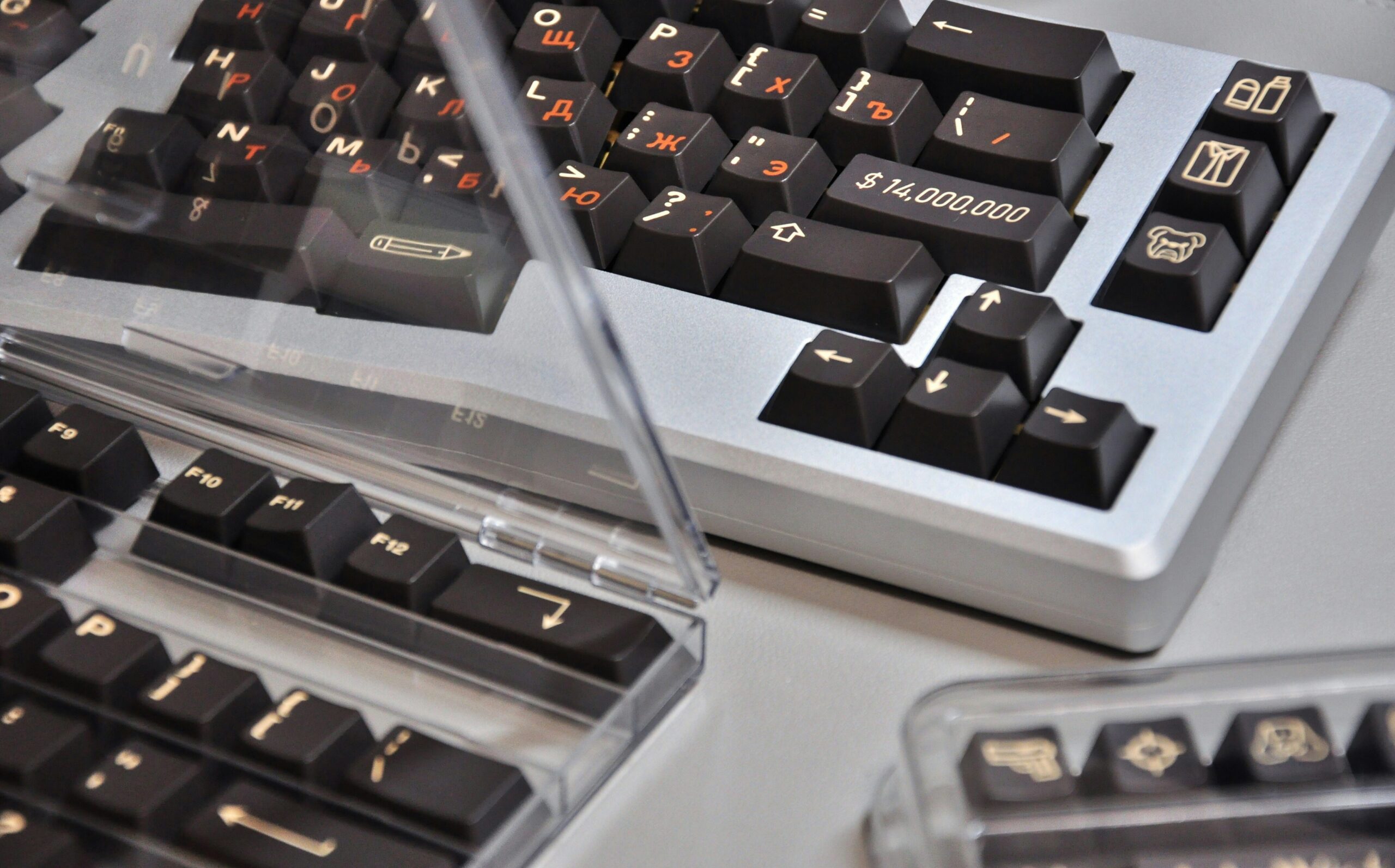
### The Keyboard Gauntlet: A Deep Dive into How Labs Test Keyboards
Ever wonder what separates a $20 budget keyboard from a $200 enthusiast-grade mechanical marvel? While marketing plays a role, the real difference lies in performance, build quality, and features—all of which are put to the test in specialized labs. Whether it’s a professional review outlet or a manufacturer’s own R&D department, keyboards go through a grueling series of tests before they get a stamp of approval. Here’s a look behind the curtain at how labs conduct keyboard testing.
#### 1. The Core Experience: Typing Feel and Sound
This is perhaps the most subjective, yet most crucial, part of the testing. However, labs use standardized methods to bring objectivity to the experience.
* **Switch Consistency:** Testers don’t just type on a few keys. They methodically press every single key to check for consistency in actuation force (the pressure needed to register a keypress), travel distance, and sound. A high-quality keyboard will feel uniform across the board, with no single key feeling mushy, scratchy, or overly stiff.
* **Key Stability:** Each key, especially the larger ones like the spacebar, Shift, and Enter keys, is tested for “wobble.” Using their fingers and sometimes specialized tools, technicians check how much the keycap tilts or rattles when pressed off-center. Good stabilizers are essential for a premium feel.
* **Sound Profile Analysis:** The sound of a keyboard is a major factor for many users. Labs often record standardized typing tests in a controlled audio environment. This allows for a direct comparison of the “thock,” “clack,” or “click” between different models and switch types. Some labs even provide audio files or videos so consumers can hear it for themselves.
#### 2. Raw Performance: Latency, Polling Rate, and Rollover
For gamers and fast typists, milliseconds matter. This is where objective, data-driven testing comes into play.
* **Latency Testing:** This is the measurement of time between pressing a key and the signal being registered by the computer. Labs use sophisticated equipment, such as a high-speed camera pointed at an LED on the keyboard and an on-screen indicator, or an oscilloscope connected to the keyboard’s circuitry. This test is vital for determining a keyboard’s responsiveness, especially for competitive gaming. Wireless latency (both 2.4GHz and Bluetooth) is tested separately to see how it compares to a wired connection.
* **N-Key Rollover (NKRO) & Anti-Ghosting:** “Ghosting” is when a keypress is missed because multiple other keys are being held down. “Rollover” is the number of keys you can press simultaneously that will all be registered. Labs use specialized software that shows exactly which keys are being pressed. They will mash multiple keys at once in different combinations across the keyboard to ensure it has true N-key rollover (meaning every key can be pressed at once) and that no phantom keypresses occur.
#### 3. Built to Last: Durability and Materials
A keyboard is a physical tool that endures millions of presses. Labs rigorously test its physical construction to predict its lifespan.
* **Chassis and Flex Test:** Testers will physically try to bend and twist the keyboard’s frame. A well-built keyboard, often with a metal top plate or a reinforced chassis, will exhibit minimal to no flex, indicating strong construction.
* **Keycap Inspection:** The material and legend printing on keycaps are closely examined. Testers identify if the keycaps are made from less-durable ABS plastic (which tends to shine over time) or more resilient PBT plastic. They also determine the legend type—doubleshot or dye-sublimated legends are permanent and won’t wear off, unlike cheaper pad-printed or laser-etched letters.
* **Robotic Endurance Testing:** This is a hallmark of manufacturer labs. They use machines with robotic arms to press individual keys millions of times, simulating years of heavy use in a matter of days. This is done to verify the advertised lifespan of the switches, which is often rated for 50 million clicks or more.
#### 4. The Bells and Whistles: Features and Software
Modern keyboards are more than just typing devices. Labs scrutinize every additional feature.
* **Backlighting:** If the keyboard has RGB or single-color backlighting, it’s tested for brightness, color accuracy, and uniformity. Testers look for any dim spots or “light bleed” between keys. The software controls for the lighting are also evaluated for ease of use and customization options.
* **Wireless Functionality:** For wireless models, labs conduct battery life tests under various conditions (e.g., with backlighting on full, with it off). They also test the stability and range of the wireless connection and the ease of pairing with multiple devices if that feature is supported.
* **Software Suite:** Most gaming and productivity keyboards come with companion software. Testers install and use this software to evaluate its intuitiveness, feature set (macro recording, key remapping), and impact on system resources. Bloated, buggy software can ruin an otherwise great hardware experience.