
Will Your Phone Let You Quickly Top up the Battery?
Will Your Phone Let You Quickly Top up the Battery?
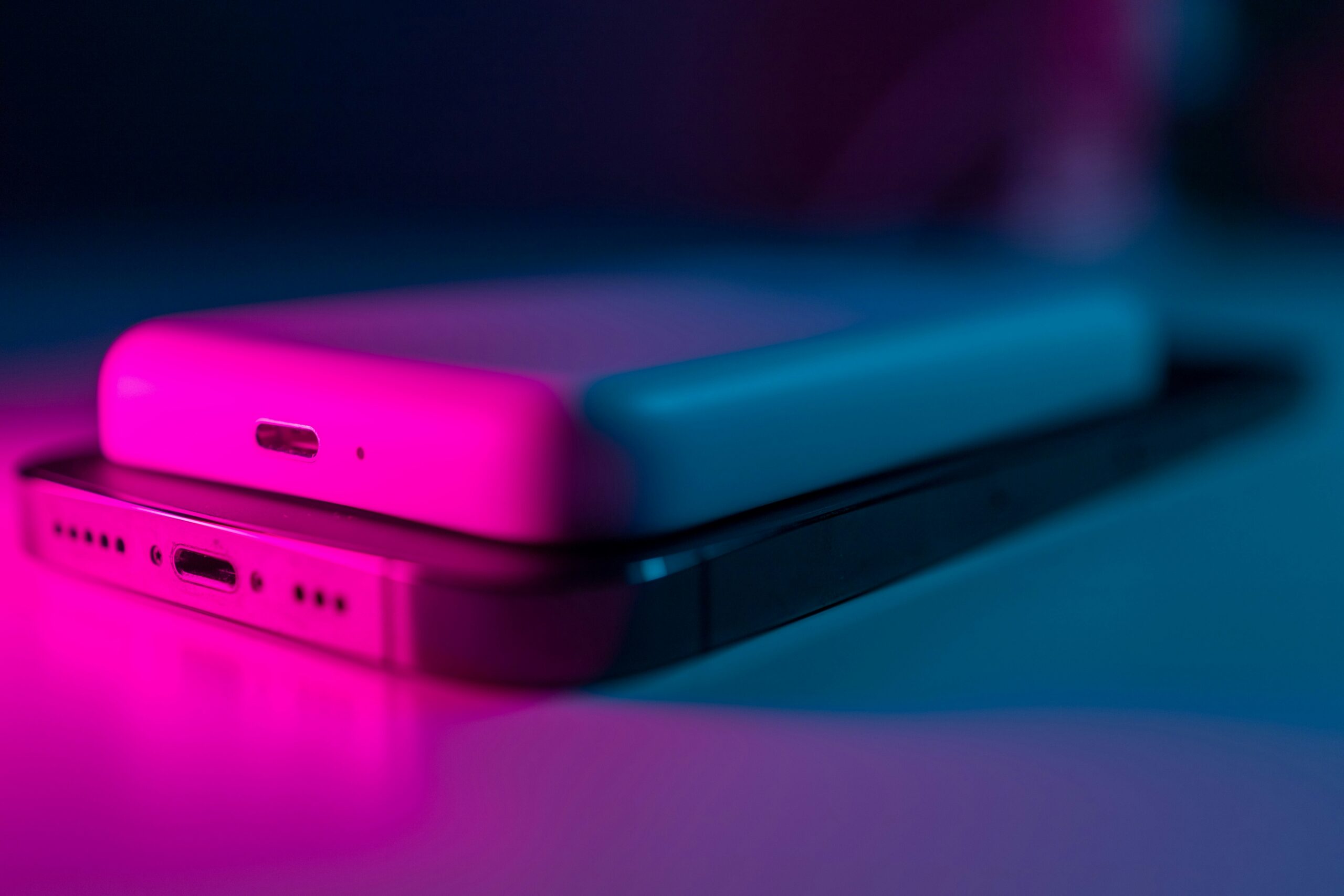
### The Need for Speed: Will Your Phone Let You Quickly Top Up the Battery?
We’ve all been there. You’re about to head out the door, you glance at your phone, and your heart sinks when you see that dreaded red battery icon with “10% remaining” flashing at you. In the past, this meant a frantic search for a portable power bank or resigning yourself to being disconnected. Today, however, the solution might be as simple as plugging it in for just 15 minutes. This magic is called fast charging, but does your phone have this superpower?
#### What Exactly Is Fast Charging?
At its core, fast charging is a technology that allows your phone’s battery to be charged at a higher rate of power than standard charging. Think of it like filling a water bottle. Standard charging is like using a slow, steady tap. Fast charging is like opening up a fire hose for the first half of the fill, then gradually slowing it down as it gets closer to full to prevent spilling.
This is managed by increasing the wattage (the total power) sent to the battery. Power is a combination of voltage (V) and amperage (A). A standard old USB charger might deliver 5 watts (5V/1A). A fast charger, on the other hand, can deliver anything from 18 watts to over 100 watts by intelligently increasing the voltage and/or amperage.
#### How to Tell If Your Phone Supports Fast Charging
So, how do you know if your device can handle this burst of power? Here are a few simple ways to check.
**1. Check the Phone’s Specifications**
The most reliable method is to look up your phone’s official specs. Go to the manufacturer’s website or a reputable tech review site and find the product page for your model. Look under the “Battery” or “Charging” section. You’ll see terms like:
* “Fast charging supported (e.g., 25W)”
* “USB Power Delivery 3.0”
* “Qualcomm Quick Charge 4+”
* Proprietary names like Samsung’s “Super Fast Charging,” OnePlus’s “Warp Charge,” or OPPO’s “SuperVOOC.”
If you see any of these, your phone is capable of fast charging.
**2. Look at the Charger It Came With**
The power adapter (the brick that plugs into the wall) that came in your phone’s box is a huge clue. Pick it up and look for the fine print. You’ll see “Output” information. A standard charger will say something like “5V=2A” (which is 10 watts). A fast charger will list multiple power outputs, such as “5V=3A or 9V=2A.” The higher numbers, especially anything above 15W, indicate it’s a fast charger.
**3. Watch Your Phone’s Screen**
Many phones will give you a visual cue when fast charging is active. After you plug it in, the lock screen might display “Fast charging,” “Super charging,” or a similar message. Some phones use a different animation or a double lightning bolt symbol next to the battery icon to indicate that it’s charging at top speed.
#### It Takes a Team: The Charger, The Cable, and The Phone
It’s crucial to remember that fast charging is a system. For it to work, three components must all be compatible:
* **The Phone:** The device itself must be designed to accept a higher rate of charge.
* **The Charger:** The power brick must be capable of delivering that higher wattage.
* **The Cable:** The cable connecting the two must be rated to handle the power transfer without overheating or limiting the speed.
Plugging a fast-charging-capable phone into an old 5W charger will only give you slow speeds. Similarly, using a powerful fast charger with a cheap, unrated cable can bottleneck the process or even be a safety risk. For the absolute best and safest results, it’s always recommended to use the charger and cable that came with your phone or a certified third-party alternative from a reputable brand.
So, next time you’re in a rush, you don’t have to panic. Check your gear—you might just have the power to go from empty to half-full in the time it takes to finish your coffee.